DESIGNING MY OWN WASHI TAPES
I recently bought some candy striped washi tapes which I really love, but they are quite hard to find, quite expensive, and usually come with a pretty hefty postage rate as well.
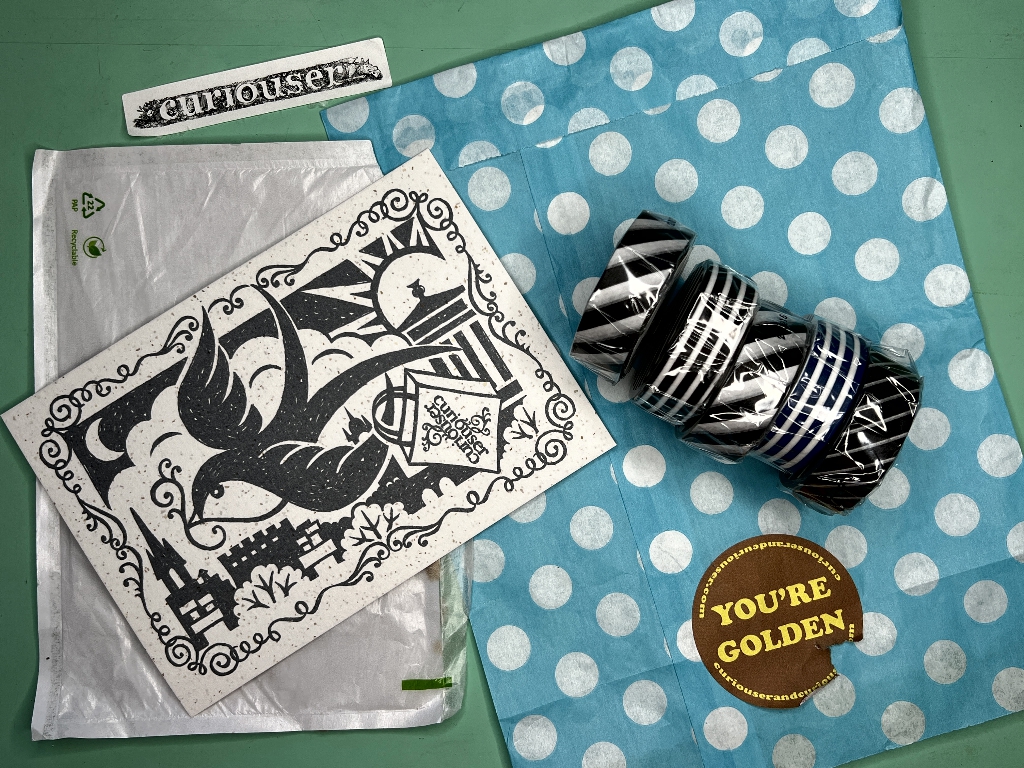
I thought how cool it would be to design my own. I recently made some from some red and white striped gift wrap paper which was much improved by tea-dyeing and being torn along a metal ruler.
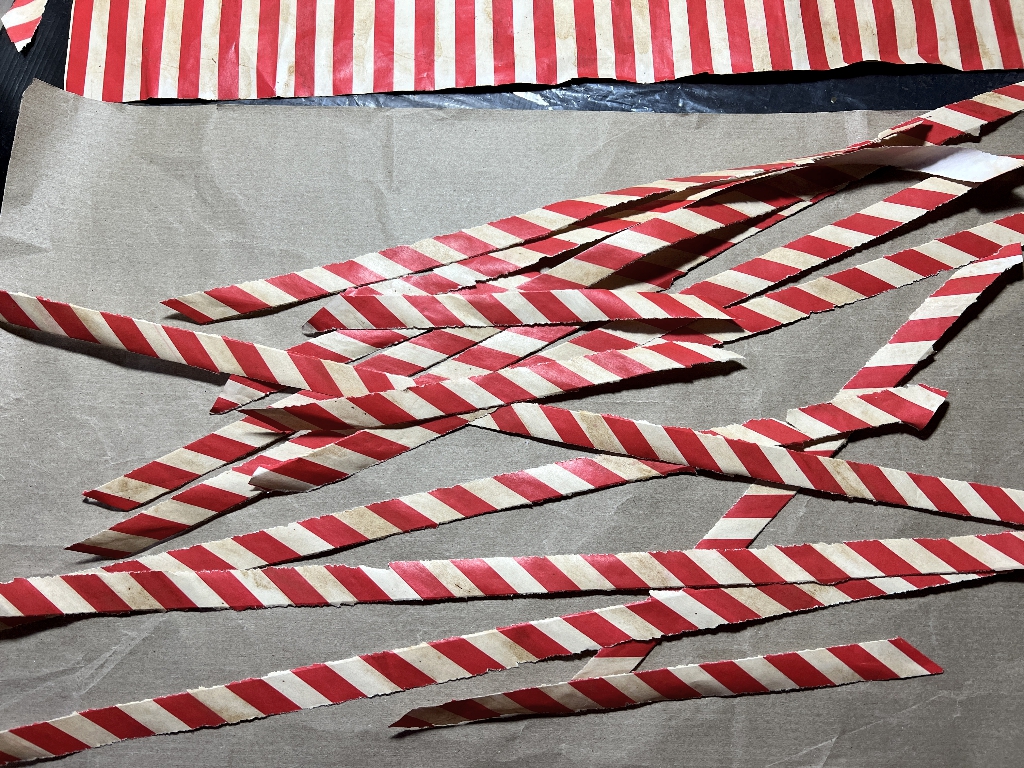
It doesn’t matter that these are in relatively short lengths because one never uses great long lengths in projects anyway. The fact that commercial washi tape comes on a roll is mainly for convenience. Of course, this is special Japanese washi (the word means “paper” in Japanese) – slightly translucent and with a particular finish to it, and self-adhesive. My strips are normal paper and have to be glued down. Genuine washi tape usually benefits from a bit of additional glue, though, because the adhesive on it is not intended to be permanent.
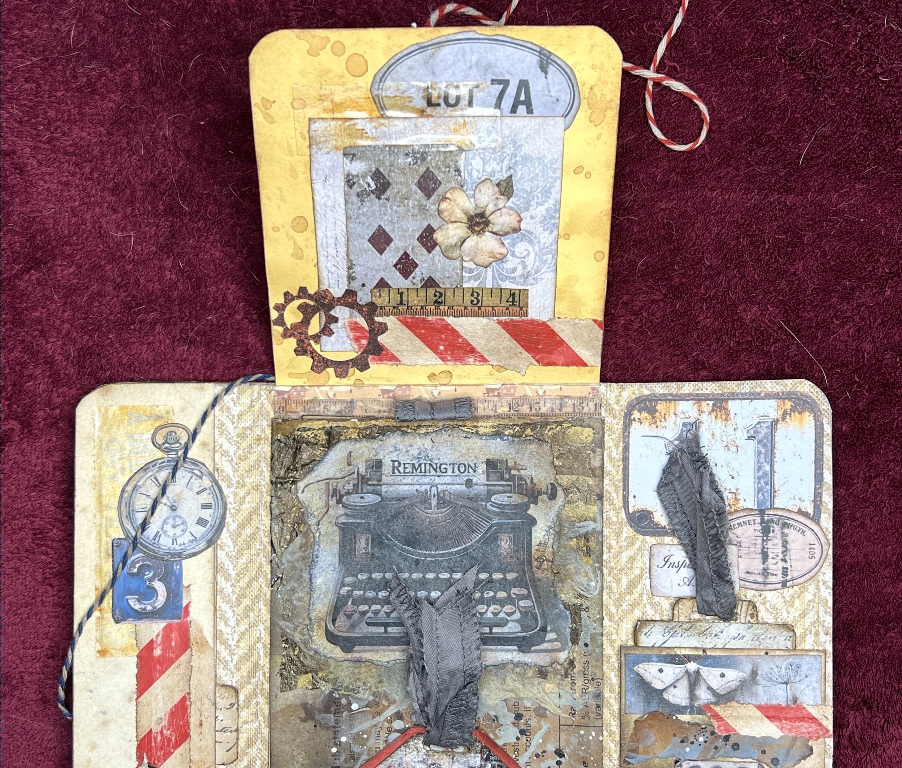
Here is some of the red and white striped gift wrap “washi” in use. I love it grunged up with a bit of sanding, and maybe the addition of a little Distress Ink.
Designing my own
I cannot guarantee being able to find further striped gift wrap and I would like to be able to have a source of different colours too. I have been thinking for some time how I might design my own. Very recently, Margareth of Seven Plaza has been talking about printable self-adhesive transparent sheets on which to print her absolutely stunning new kit called “Vintage Photo” – a collection of ancient decayed and worn frames for photos and other ephemera. I have bought this kit and have yet to start printing it out, and my pack of self-adhesive transparent label paper has arrived from Amazon. In the course of this she also spoke about washi sheets, also self-adhesive and printable. I searched on Amazon and was able to find both the transparent label paper and the washi paper which are suitable for laser printers. In the Amazon customer review section, people report that these papers print really well on a heavy/shiny/photo paper setting on the laser printer, and because they come on a backing sheet, they behave like normal paper as far as feeding them through the printer is concerned. Obviously printers will vary and it may take a bit of trial and error to get the right setting, but people are using them very successfully and getting brilliant results.
Time to make some candy stripe washi for myself!
Krita
Since moving over from Windows to Linux, I have had to abandon my all-time favourite photo editor, Serif PhotoPlus, which will not run on Linux, even with the Wine platform which enables one to run many Windows programs on Linux. It is just too old. My old HP laptop now lives in the studio and is my only computer still running Windows 11 but I have disconnected it from the Internet and it is just a platform for using my old programs. I also use Serif PagePlus, and equally old program which is a desktop publisher, and I have not found anything half as good. I have a lot of files (many templates) created with this and need to be able to continue to use them.
For a while, I used GIMP on Linux. This photo editor is pretty good – I used it for a while on Windows many years ago, but always returned to PhotoPlus. When I started on Linux, I found that GIMP would keep crashing which was a real pain. I tried one or two other programs including some online ones. People kept recommending Krita but I didn’t pursue it because it appeared to be more of a drawing and painting program than a photo editor, until I found some reviews where people explained that it did both, and was actually quite a powerful photo editor, up to a par with Photoshop but without the hefty price tag – it is free, and open source. I immediately downloaded it.
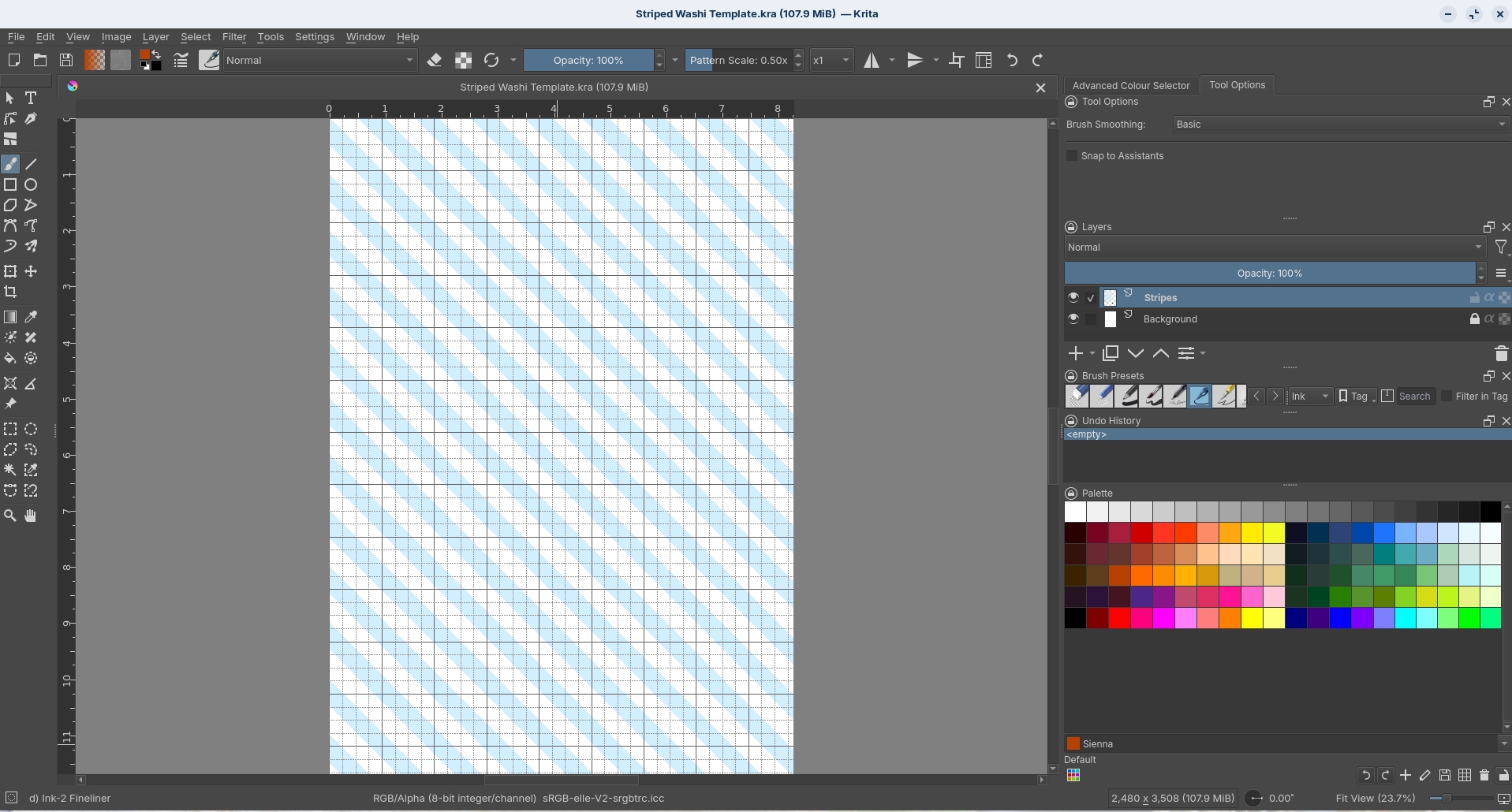
The interface is different from what I am used to, but for my normal basic photo editing I am now well used to doing what I need. It is a powerful program and has a load of really cool stuff for graphic design, and I searched online for instructions on how to create a page of regular stripes. I have never been able to do this on PagePlus without a huge amount of work, copying and pasting and so on, and I was delighted to find instructions for what I wanted on a YouTube video. Her interface was different from mine (presumably an earlier version of the software) and I had to find out where everything was. I wrote it all down, and managed to create a page of stripes horizontally across my page. You set up a special ruler which you use as a guide for drawing your lines. The whole thing ends up as a pattern, and different selected areas can be filled automatically with colour, simultaneously. It’s really cool! I soon found out how to set the ruler diagonally for my washi stripes. I had to set up a guide grid on my template because the top and side rulers didn’t extend far enough for me to space my lines accurately. Unfortunately the grid only comes in pixels and not inches, but I soon learnt how to make an inches grid because I knew that my image resolution was 300 px per inch. I soon had my working grid. I need to create a template for this as it will be useful for all sorts of other stuff as well.
The drawing lines either side of each stripe were a bit of a pain and I had to discover how to get rid of these, because washi tape doesn’t have them. This is very easy to do in the colour adjustment section, by reducing the opacity of the colour of the line (black) to zero – the lines disappeared like magic!
The template
Here is my template, with the stripes filled with pale blue (one of the colour schemes I have chosen).
My digital washi tapes
Here are some of the papers I have designed. After changing the colour in the template in Krita, I simply exported each one as a jpg file. Some are colours alternating with white, and some are two different colours, or three colours and white, etc. etc.
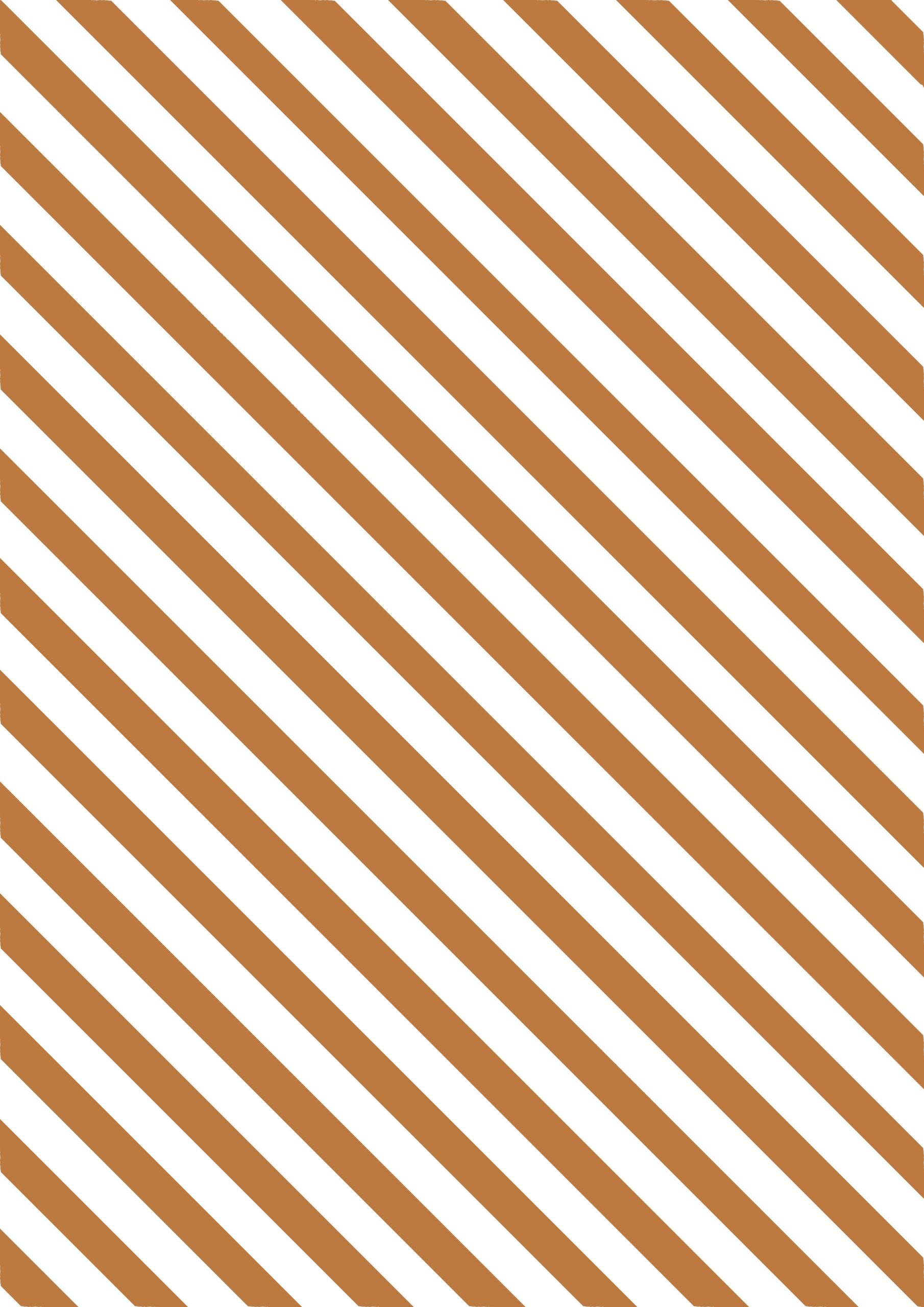
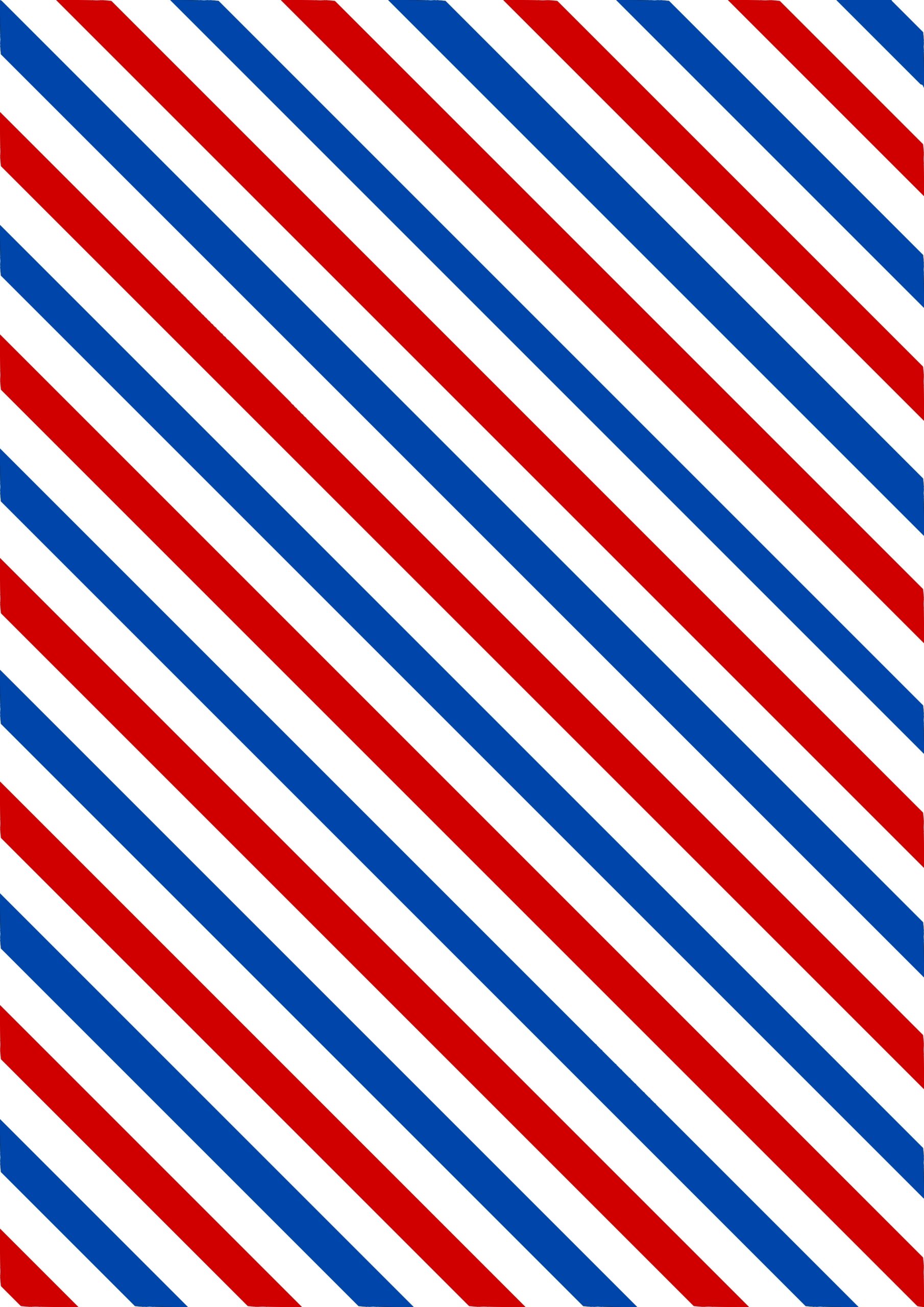


The idea is to cut vertical strips down the length of the sheet, resulting in strips of washi tape like this.

With the template done, I can make any number of different colours and colour combinations. I am also planning on making other designs. Krita is a great graphics editor for making repeating patterns. I haven’t been able to do this before, except on the iPad, and I haven’t done any art on there for ages.
If I want these stripes to be narrower and closer together, I can either do another template, or print them two to a page. This would result in shorter strips, of course.
The great benefit of digitals is that you’ve got them forever, and can print out as many as you want. They take up no storage space. They are also editable. I shall probably go on buying washi tapes, though, because many of the designs are just gorgeous! They are very convenient to use, as well. It’s just nice to have other possibilities opening up for me.